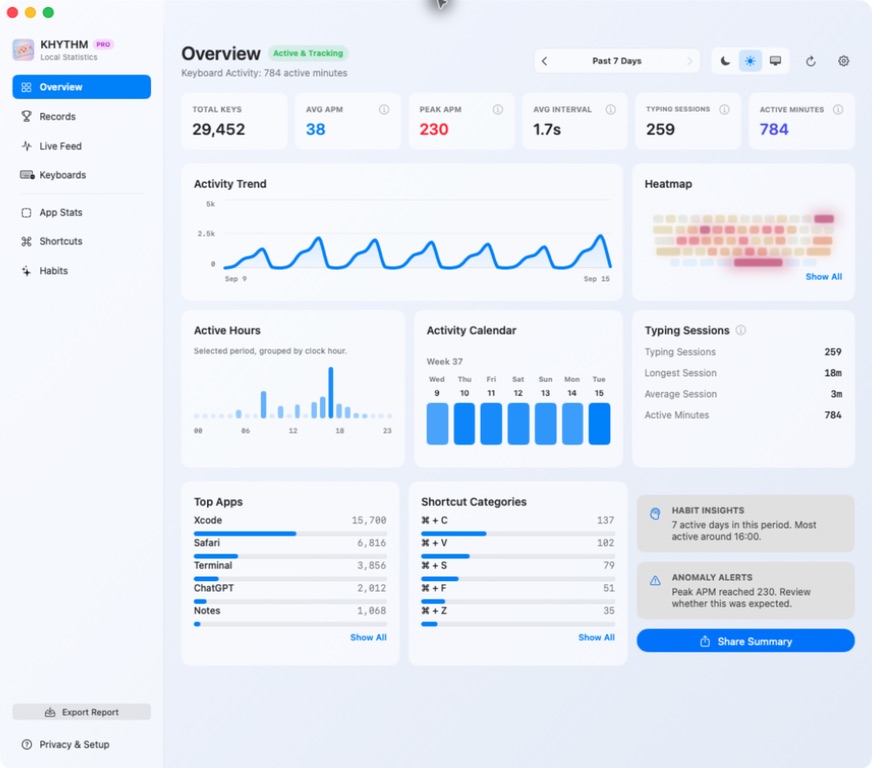
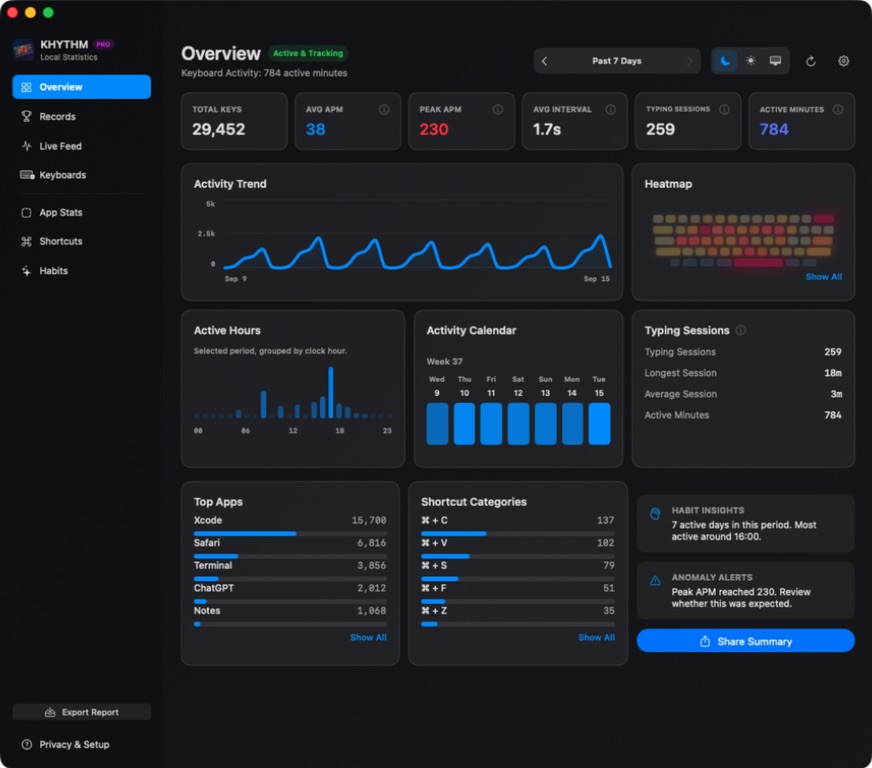
The core keyboard activity metrics
These values use only local aggregate activity. Average APM is not the same as live APM, and neither is intended to estimate the words you typed.
How typing sessions are split
The first key press of a calendar day starts a typing session. A later key press remains in that session when it occurs no more than five minutes after the previous one. A pause longer than five minutes starts a new session, and sessions never continue across calendar days.
Session duration runs from the first to the last key press in that activity segment. It can include pauses of up to five minutes, so it describes the span of keyboard activity—not precise focus, productivity, or work time.
Why sessions matter: two days can have the same number of active minutes but very different rhythms—one concentrated into a few longer segments, another spread across many short ones.
Patterns beyond the headline numbers
Activity trends and active hours
Hourly and daily buckets show when keyboard activity rises and falls. The calendar and active-hours views add context without reconstructing an event timeline.
Keyboard heatmaps
Physical key-position totals become a relative color map. Read the full guide to keyboard heatmaps on Mac.
Apps and shortcuts
When enabled, KHYTHM can group aggregate counts by a safe app display name and familiar Command or Control shortcut identity. It does not save window titles, URLs, file paths, or process identifiers.
Per-keyboard insights
Optional PRO statistics compare safe local groups for built-in and external keyboards without storing serial numbers or unique hardware identifiers.
What keyboard statistics can—and cannot—tell you
Keyboard statistics can describe volume, pace, timing, continuity, and physical key distribution. They cannot tell whether a task was valuable, whether you were focused, how difficult the work was, or what the resulting text said.
Use them as a personal activity mirror rather than a score. A low-activity day may contain reading, design, meetings, or careful thinking; a high-activity day is not automatically more productive.
Why the statistics stay content-free
KHYTHM does not need typed text to calculate counts, minute buckets, intervals, sessions, heatmaps, or aggregate rankings. That lets the app keep passwords, document content, screenshots, clipboard contents, URLs, and file paths outside the statistics model.
Learn more in the KHYTHM privacy policy, or compare APM and WPM to see why KHYTHM chooses a content-free activity measure.