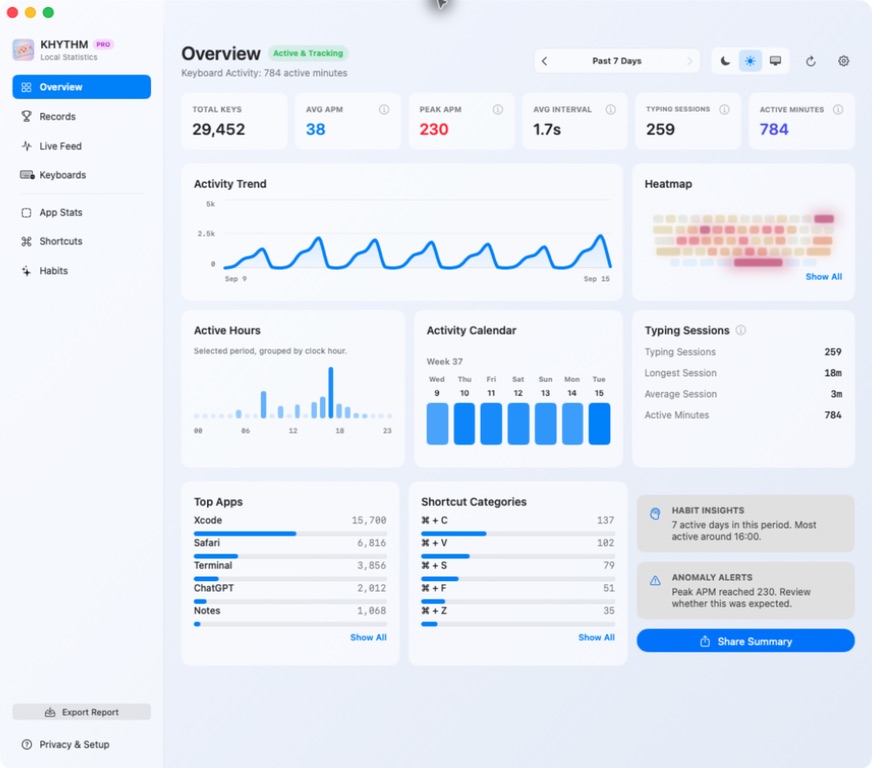
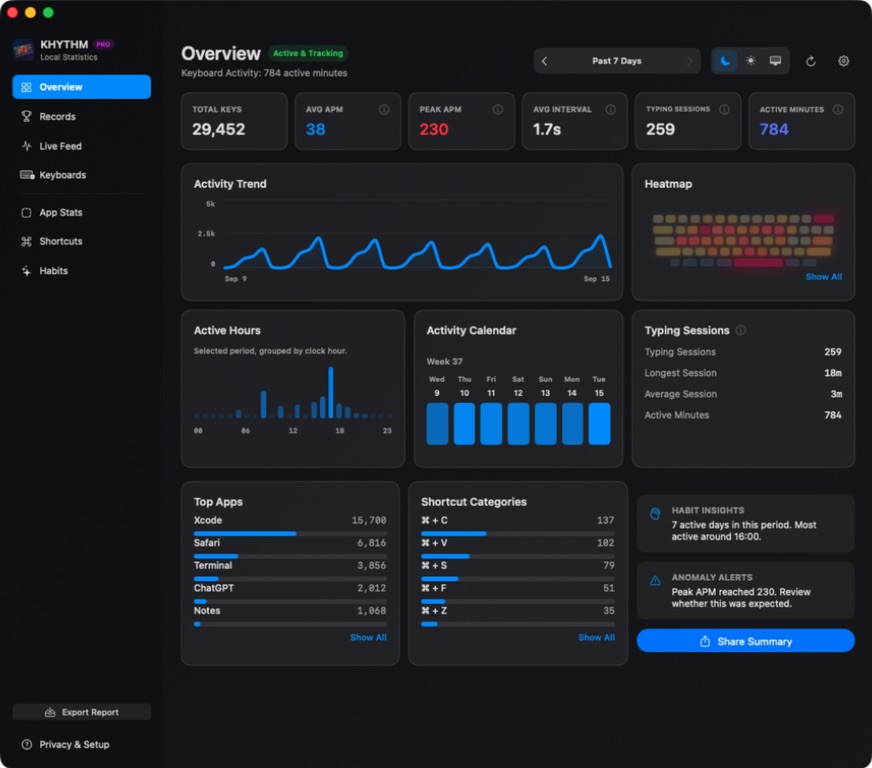
What a keyboard heatmap shows
A keyboard heatmap makes relative activity visible across the physical keyboard layout. Cooler keys received fewer key-down events during the selected period; warmer keys received more.
The result can reveal broad patterns such as a frequently used space bar, letter cluster, modifier, shortcut area, or difference between built-in and external keyboards. It describes where activity occurred—not what was written.
How KHYTHM builds the heatmap
After you grant macOS Input Monitoring permission, KHYTHM observes listen-only key-down events. Each supported physical key position receives a local count. The dashboard converts those aggregate counts into a soft relative intensity scale.
A heatmap without becoming a keylogger
Traditional keylogging depends on reconstructing what someone typed. KHYTHM deliberately does not retain that information. It does not save characters, words, passwords, event sequences, screenshots, clipboard contents, window contents, URLs, or file paths.
The boundary is simple: KHYTHM can know that a physical key position was active without keeping the text that position helped produce.
Statistics stay on your Mac by default. Exports, backups, diagnostics, and share images happen only after your action.
Built-in and external keyboard heatmaps
Optional PRO per-keyboard insights compare safe local aggregate groups for built-in and external keyboards. KHYTHM can use the Manufacturer and Product information a keyboard reports to macOS as a display name, with a generic fallback when needed.
It does not store serial numbers or unique hardware identifiers. Per-keyboard history remains local and can be disabled from Settings.
How to interpret the colors
Heatmaps are best used to compare relative patterns within a selected period. A warmer key means “more activity than nearby keys,” not a judgment about efficiency, ergonomics, focus, or productivity.
For context around the heatmap, combine it with Mac keyboard statistics such as active minutes and typing sessions, or learn how APM differs from WPM.